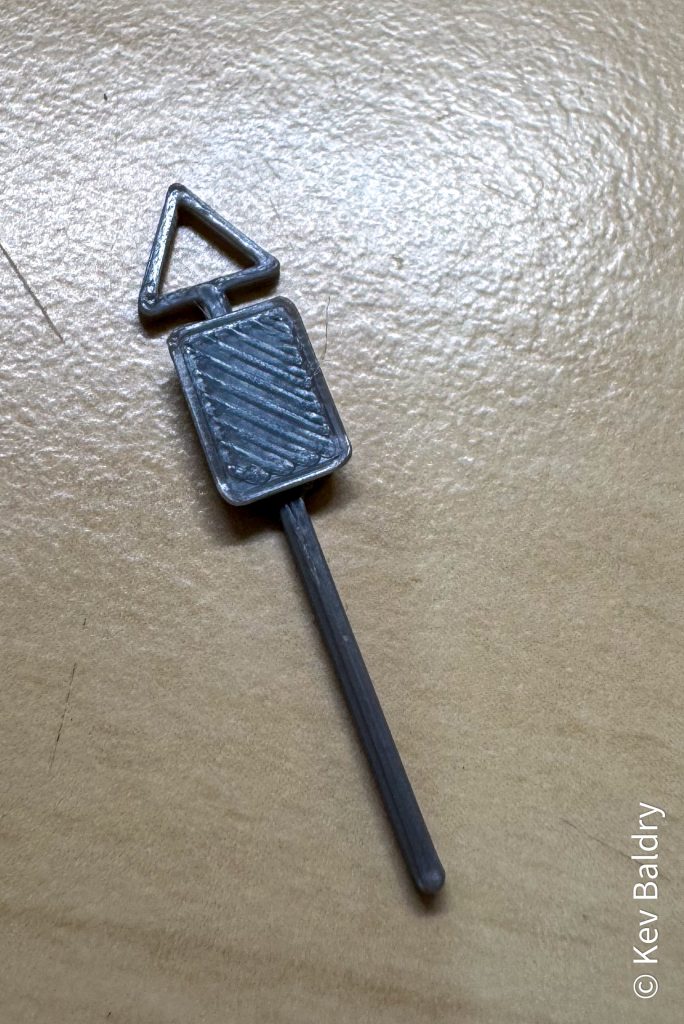
As my layout continues to grow, I decided that, at some point, I will need some road signs.
The layout is loosely based around the beginning of the sixties, just before the current road signs were introduced.
Some signs are available to purchase (mainly on line) but to get all the ones that I need, I’d probably have to buy multiple packs.
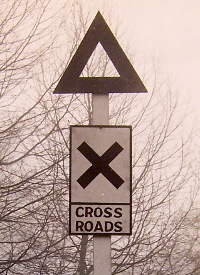
having recently acquired a 3D printer, perhaps I could print my own. I looked on the various repositories for printable models but couldn’t find anything suitable so I had to dive into 3D design and make my own.
After trying a few different apps, I stumbled upon an on-line resource for simple 3D design called Tinkercad. Once I’d grasped the general concept and worked out how to manipulate my project, I needed to find out the size of the original item.
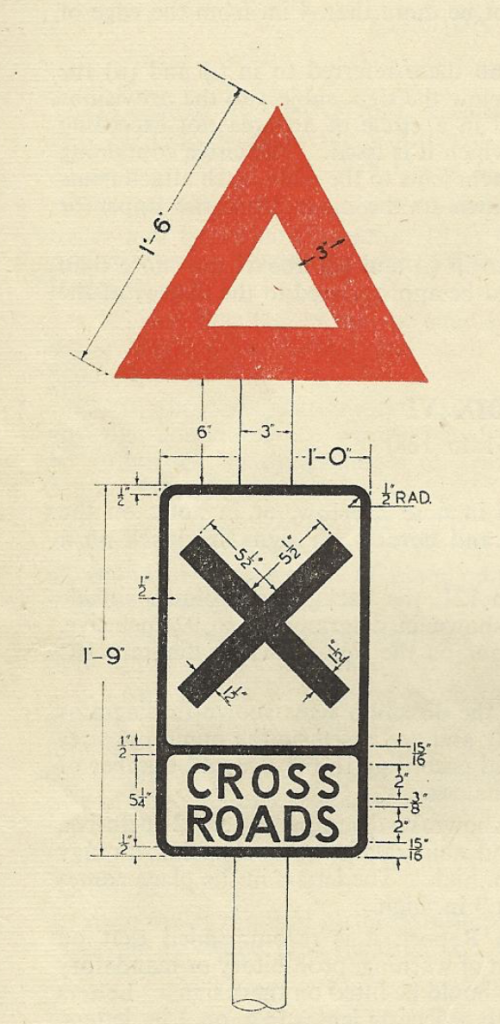
Luckily, Wikipedia came to the rescue leading me to the “Report of the Departmental Committee on Traffic Signs 1944” which contained detailed drawings of how big the various signs needed to be.
Converting this into metric (only because it’s easier to work with) I created a simplified version I Tinkercad (the triangle IS ‘hollow’ it just does show on this preview).
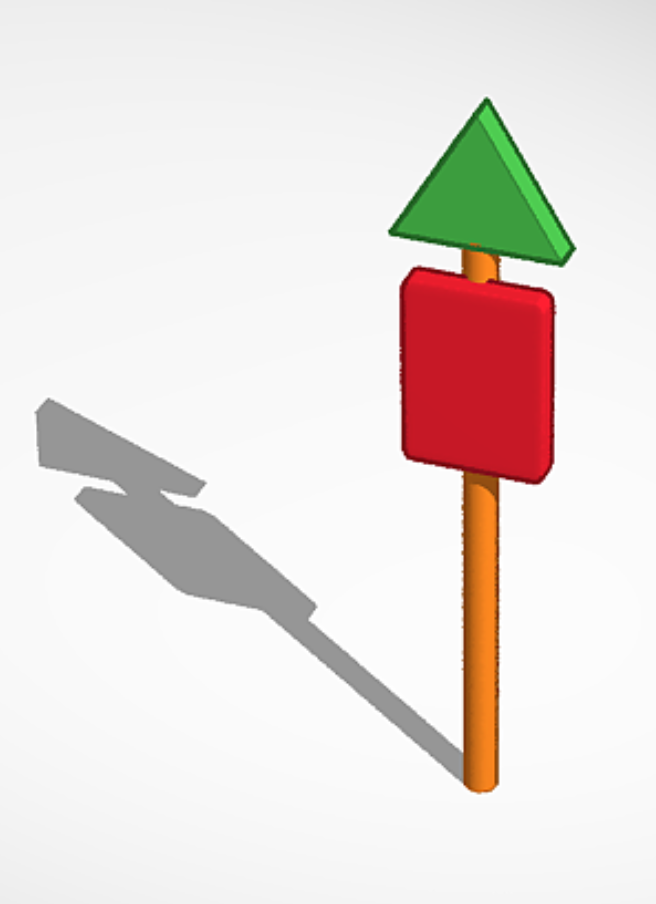
Satisfied with my effort, I saved the file (.STL) and imported it into my 3D printer software (slicer), scaled it to N gauge and after a little tweaking with the settings managed to print a suitable sign.
In use, the triangle (I said that it was hollow) will need to be painted red and a suitable sign (2D) printed and stuck to the board.